

How the projected balance works
Where the numbers come from, and why your future balance updates the moment you change a bill.
Each account starts from its opening balance on a date you choose. From there, Tandilo adds up, day by day:
- the transactions you recorded, and
- every upcoming occurrence of your recurring income and bills.
The result is an end-of-day balance for every day — past, today, and as far ahead as you want to look.
Recurring items are projected, not copied
A recurring bill is a rule ("rent, $1,500, on the 1st of every month"), not a pile of future transactions. Tandilo computes each occurrence when you look at a date. That's why changing a rule updates every future day instantly, and why there is no limit on how far ahead you can look.
An occurrence only becomes a real transaction when you change that single occurrence or mark it as it happened. See Recurring income and bills.
Today, the past and the future
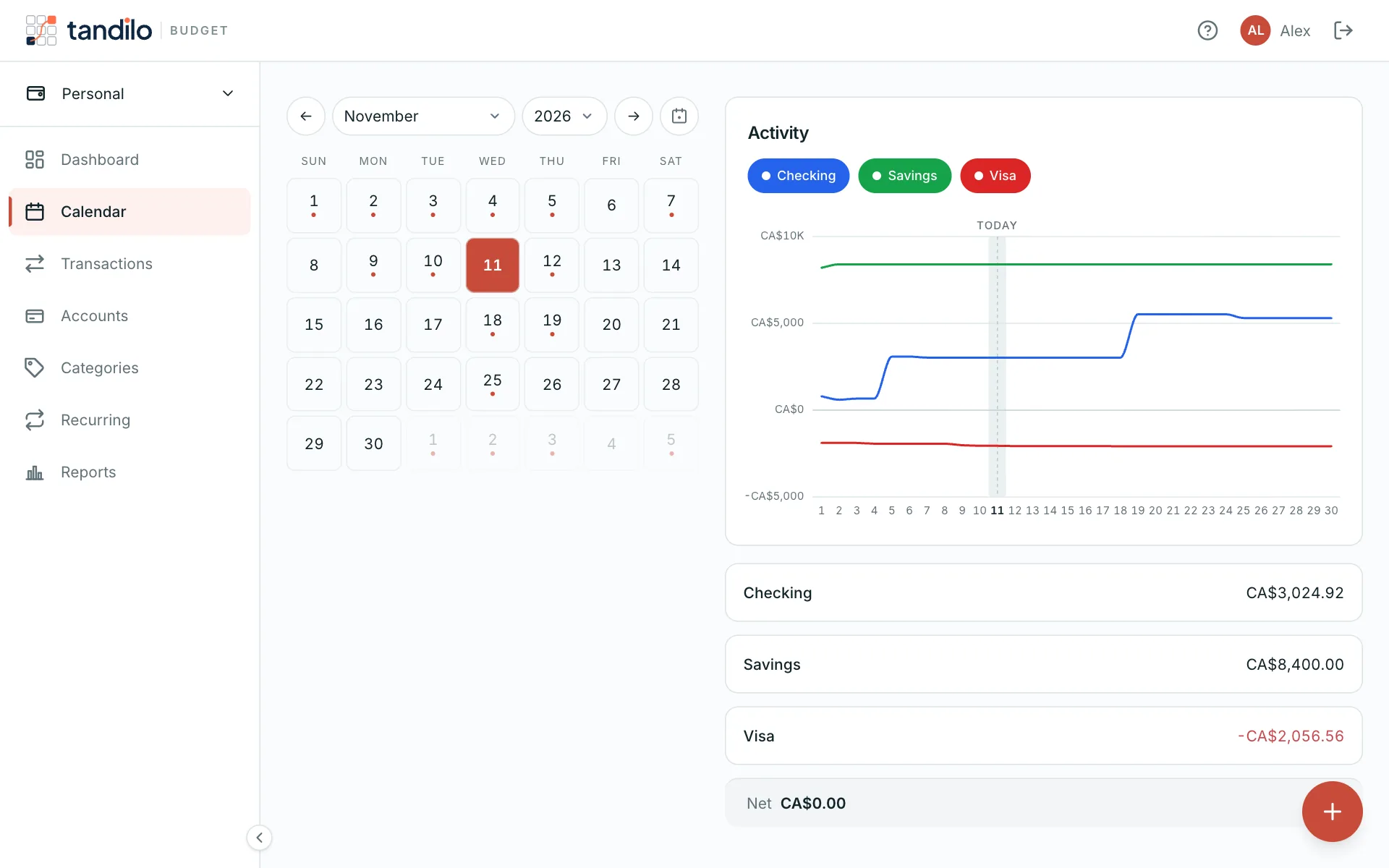
- Past days show what your balance was, based on what you recorded.
- Today is where the dashboard's "runway" starts.
- Future days include everything scheduled, so a dip before payday shows up weeks in advance.
Totals across accounts
The dashboard total adds up all your active accounts in the budget's currency. Credit card balances count as negative — they are money you owe. Archived accounts are left out.
When a number looks wrong
Most surprises come from one of these:
- an account's opening balance date is later than some of its transactions (those are ignored);
- a recurring rule has the wrong start date or frequency;
- an occurrence was paid on a different day — edit just this one so the projection follows reality.
Still stuck?
Write to us — a human answers every message, usually within 1–2 business days.
Contact support